“É Como Diz o Outro”, the post

É Como Diz o Outro

É Como Diz o Outro

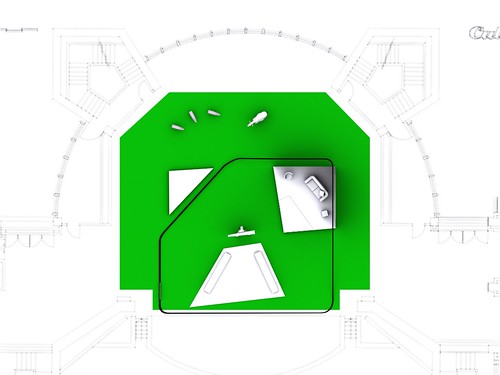
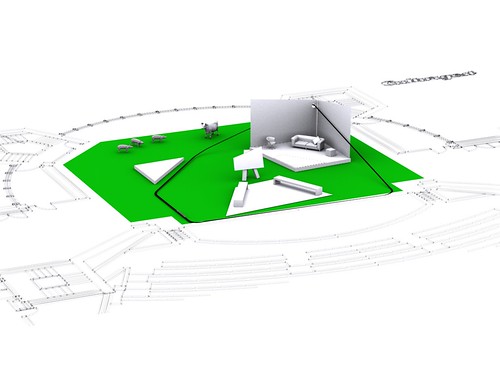
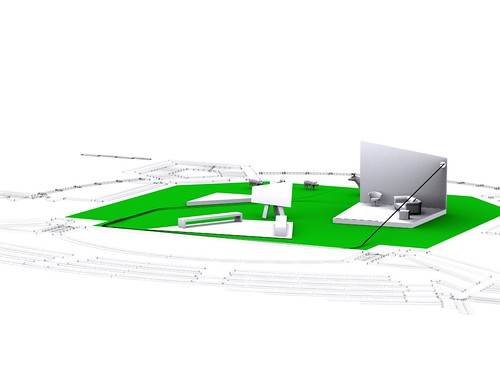
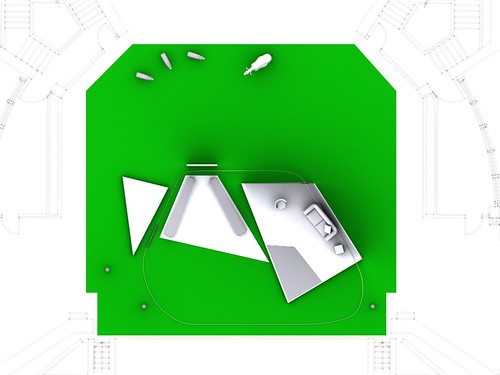
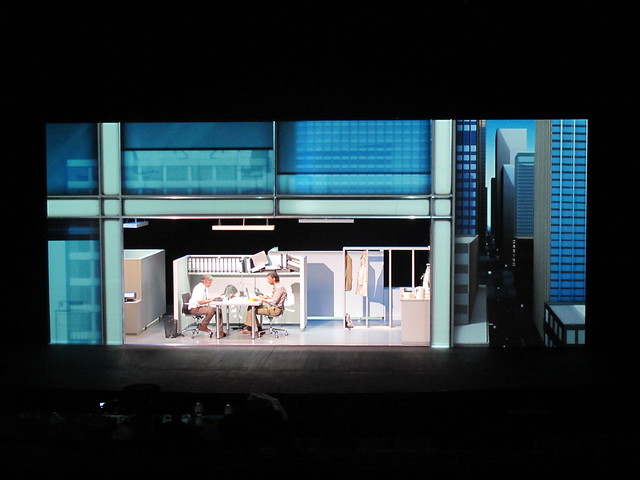
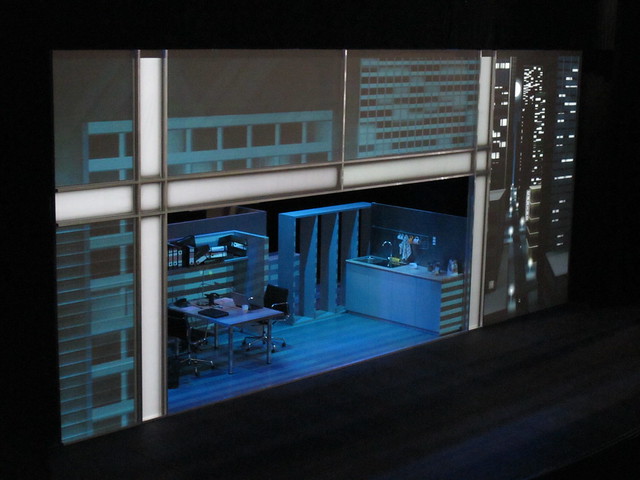
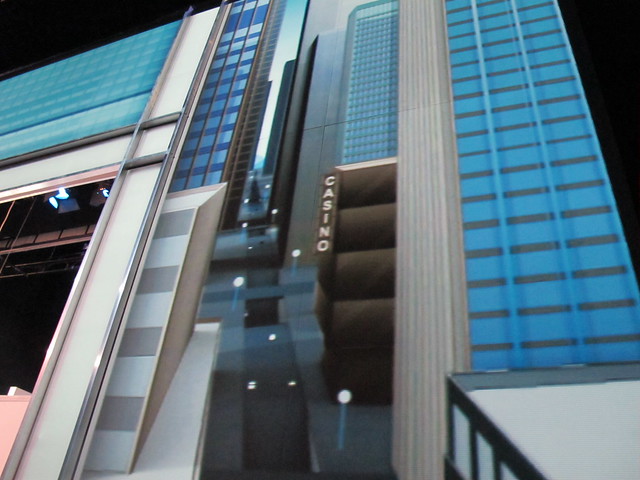
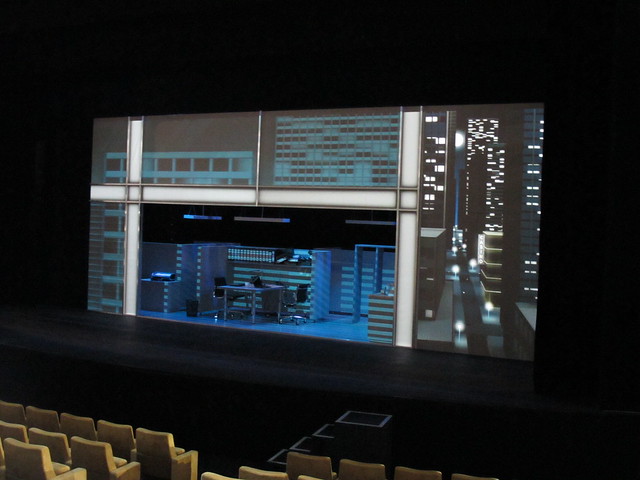
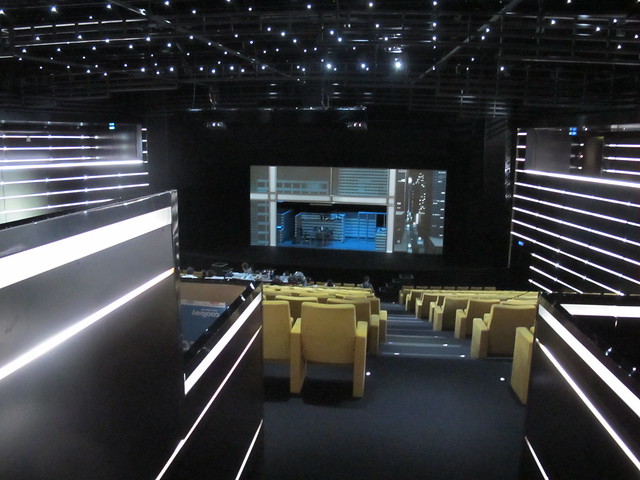
“É Como Diz o Outro” is a comedy performed by Miguel Guilherme and Bruno Nogueira, directed by Tiago Guedes and produced by UAU. Our commitment was to create a video scene with a street landscape and a building front. This video started early in the morning and went through several stages during a normal work day ending in the evening.

É Como Diz o Outro

Video after the break:

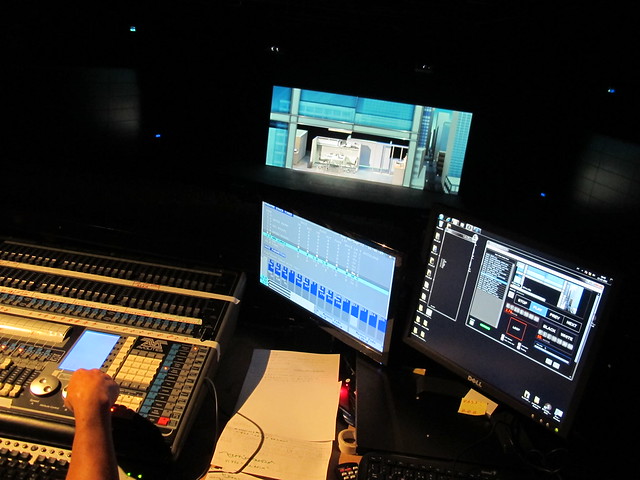
Our software “EinsteinVideoPlayer” evolved a lot with this creation, edge-blend was implemented and now can be controlled by the Light Mixer via DMX.

É Como Diz o Outro

É Como Diz o Outro

É Como Diz o Outro

É Como Diz o Outro

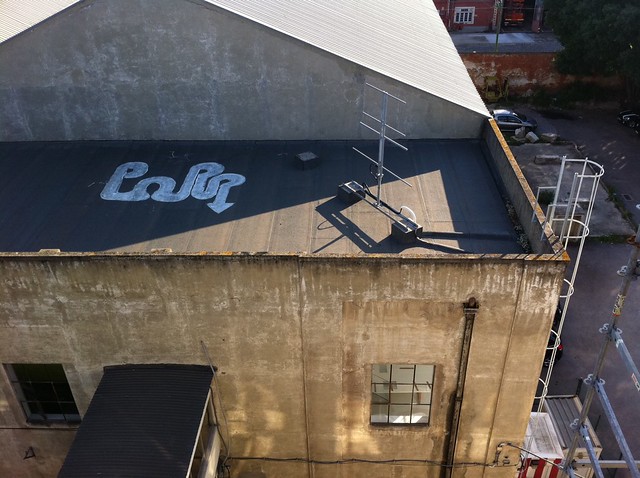
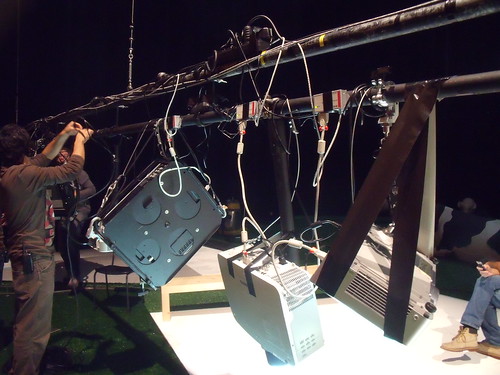
The projection rig can be seen on the top, two projectors filled the scene front.

IMG_3671

Motoruino and Motors – Workshop @ ALTLAB

Last Wednesday Artica lectured a Motoruino workshop at AltLab.
Beside all the participants there were more than a hundred watching a live stream on Ustream, people from Viseu, Guimarães, Porto, Évora, Madrid and many more places I believe.

The central theme was Motoruino and motors such as Servos, DC motors, Steppers and Linear actuators.

In the end we had Farrusco working in Obstacle Avoidance and Following Light mode.


Video streaming by Ustream

Driving Farrusco @ CoworkLX @ LX Factory ‘open day’

Since the first SWARS experience, I knew this could go A LOT further, but having Farrusco on a remote terrace where you could only have access by climbing an outside ladder.. I must confess, I never thought of such a thing, until… my friend Fernando Mendes (Cowork_LX) came to me with this crazy idea!

Driving Farrusco

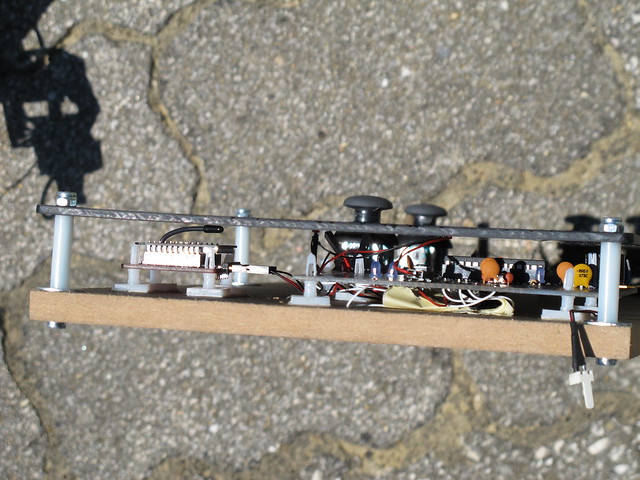
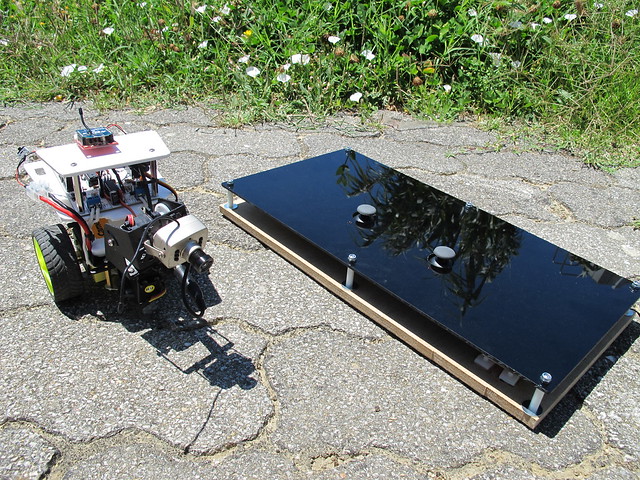
I loved the challenge, and wanted since the first moment to create a cool and easy to use physical interface and it came out a nice piece IMHO.

Driving Farrusco

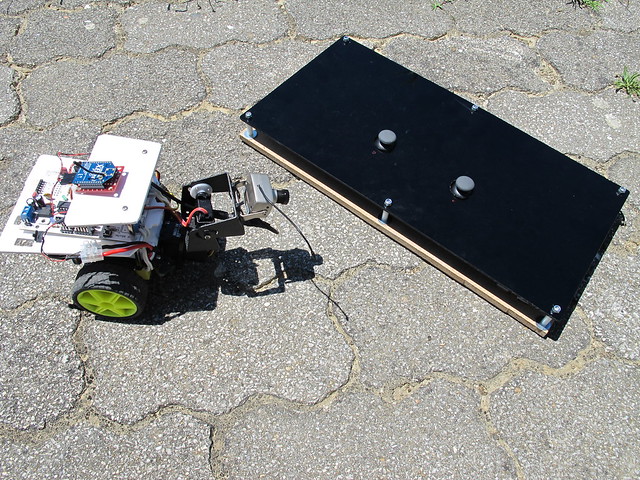
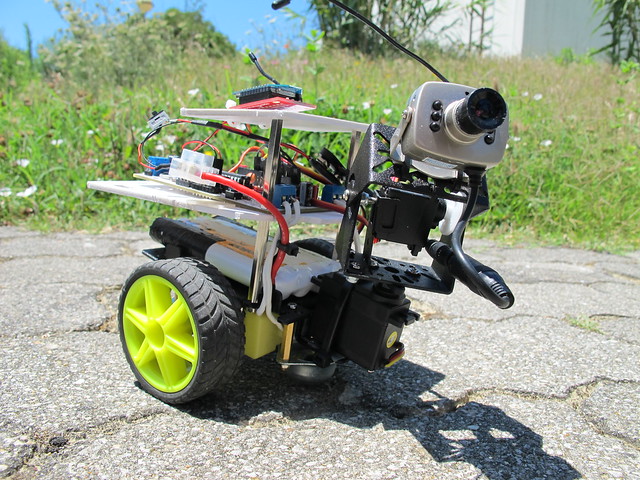
Then Farrusco with the wireless cam already built in for the first “Driving Farrusco” experience, I used two packs of batteries to enhance the play time (one battery pack is missing in the photo). This small wireless camera needs a lot of juice, and a little 9v batteries doesn’t feed it for to long, besides that it gives a very weak transmission with lots of interference, but with this 9.6v racing pack, it worked out really good!

Driving Farrusco

And finally the video:

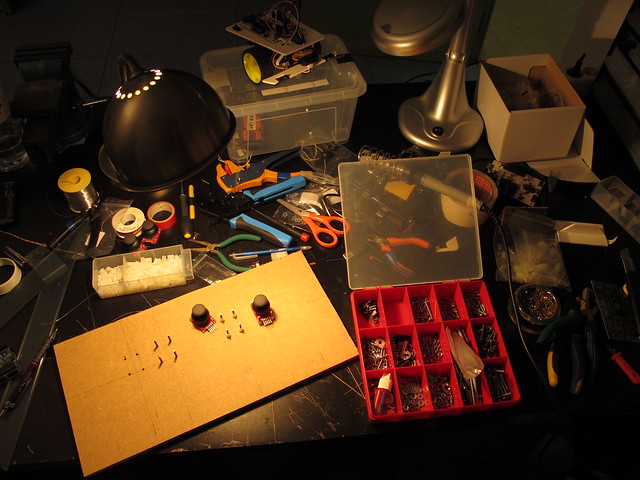
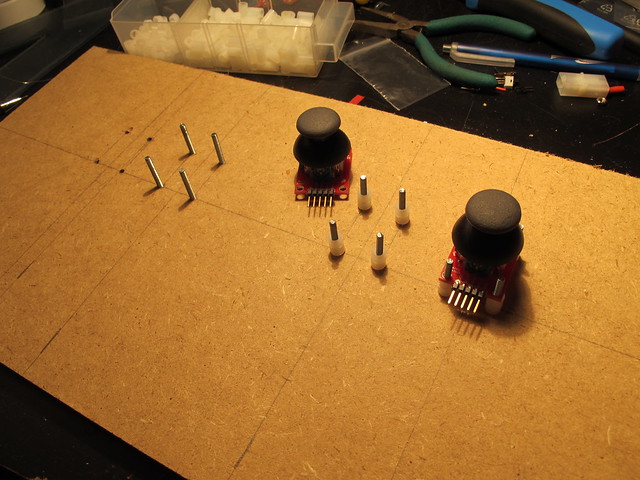
Some bits around the controller:

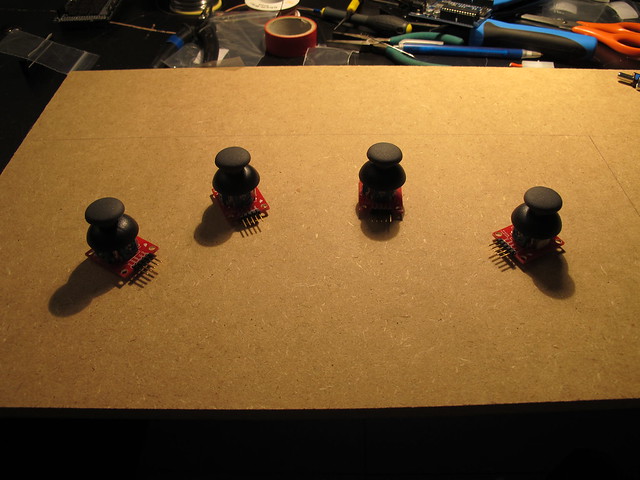
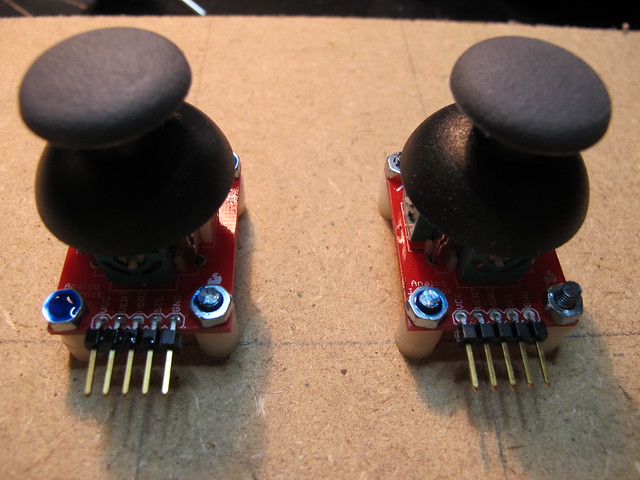
At the beginning I wanted to have four joysticks, one for each motor, one for pan and the other for tilt the camera.

Driving Farrusco

Driving Farrusco

Driving Farrusco

Driving Farrusco\

Driving Farrusco

It ended a bit complicated to operate and a learning curve was needed to get used to it, because this was going to manipulated by many people it needed to be simple and fast to learn.

Driving Farrusco

[ FOTO MISSING showing the end result with two joysticks, a motoruino only with the necessary components and the xbee mount ]

Driving Farrusco

Driving Farrusco

Pedro e Inês

Artica was invited by the very popular theater company Teatro O Bando, to create visual scenes to the performance “Pedro e Inês”.

It’s a play about a forbidden love during the Portuguese monarchy in the 14th century, and to better portray certain scenes during the perfomance we were asked to create peculiar visual stuff: fire, deers, rain and other realms to transport the viewer to the peace..it was a “wow” experience! What else could I ask for!?

One of the big challenge’s was the screen, wich wasn’t the conventional white screen, it was a translucent screen, a grid, and due to its reflective nature it turns out to be spectacular for our projections.

Once again we used our “Einstein Video Player” (the same we used in Paint Me) with a couple of enhancements and optimizations:
Performance;
Keystone and VideoPlane manipulation;
Control the application via TouchOSC.

We will talk more about this very soon for sure!!

“Pedro e Inês” is traveling around Portugal, you can check the dates here.

And finally here’s a quick sneak peek to behind the scenes:

Farrusco, Your First Robot

Farrusco, Your First Robot

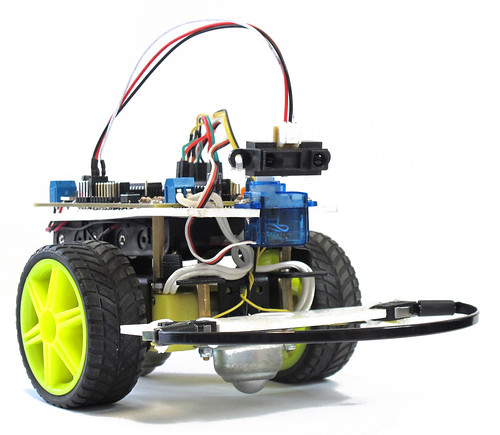
Farrusco is a small robot based on the Arduino platform, in this case, is using a Motoruino wich is inspired on the Arduino but with a couple of enhancements – dc motor dual controller, servo and sensor plugs.

With Farrusco you will be able to make it avoid obstacles, follow walls, enter in free space mode, and in the future more add-ons will be available, just to name a few: line follower, speakers and light sensors, RGB leds, and so on.

This robot is intended to:
– enthusiasts wishing to enter in the creative computing and robotics fields but don’t know where to start;
– engineering and physical computing students who need a development platform;
– digital artists and designers;
– students of all grades;
– be a simple toy.


More information @ guibot.pt/farrusco

Paint Me breakdown

Like everything, there is always an idea at the very beginning and this time was no exception.
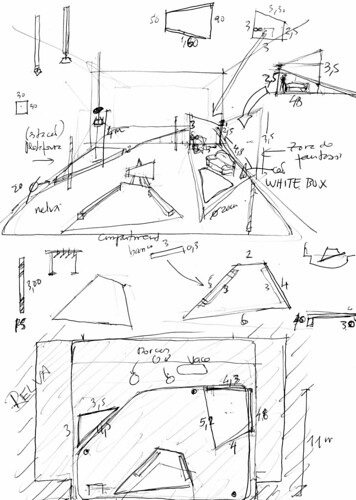
stage_skecth

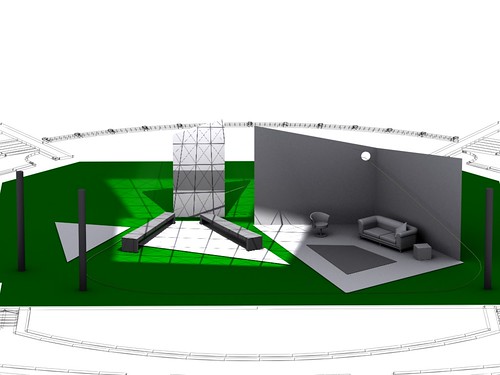
Rui Horta gave me a drawing with a set design to be created in 3D. Creating environments in 3D is always good for a first impression of the set, to detect possible flaws and to comunicate ideas with set designers, performers, musichians, technicians and with everyone involved.

This was the first iteration of the set:
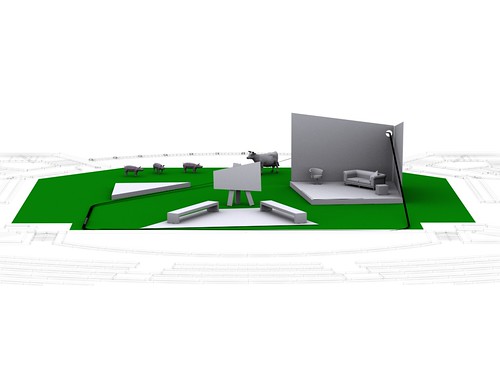
Paint Me
Paint Me
Paint Me
Paint Me

After many discussions and iterations, the design became aesthetically more solid:
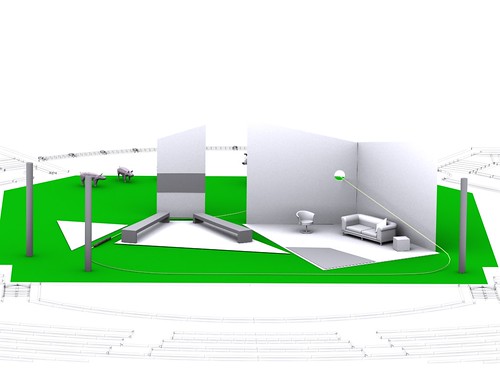
Paint Me
Paint Me

After solving all the issues with the set, was time to design the most efficient projection system. At first I made a couple of tests in the 3D environment:

Testing one projector for the fantasy zone, and another for the train cabinet:
Paint Me

Testing one projector for each single wall/floor, this turned out to be the most efficient way to do it:
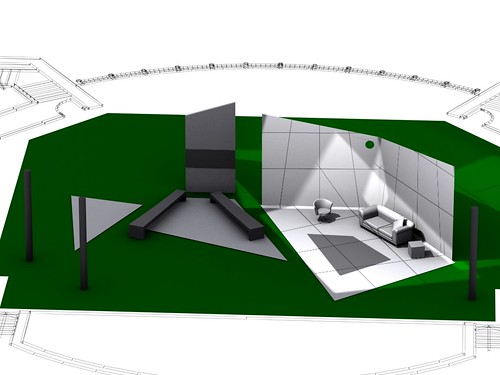
Paint Me
Paint Me

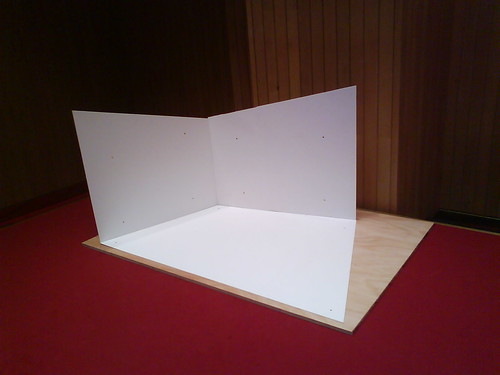
The next step was to test the fantasy area (the right side of the stage) in a smaller scale, but this time in a real environment. I used PVC sheets and wood for this.
Paint Me

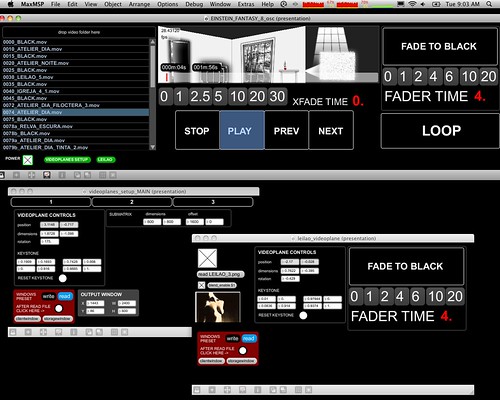
Each projector is pointing directly to each wall and floor. And because my digital camera is broken I only have photos taken from my crappy mobile. The photo below shows a bit of the Jitter software, at this point final adjustments on the code were being made:
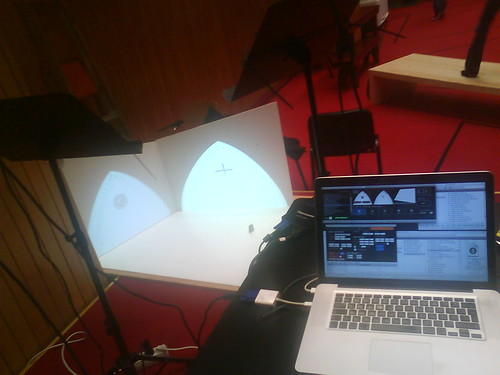
Paint Me

Paint Me
This is a closeup of the program, it consists on a video player with the possibility of crossfading between each video with custom xfade time, slipt one entire video into 3 different videoplanes, where each videoplane can be adjusted accordingly the projection needs, perspective, width, height. Click on the photo if you want to see more screens.

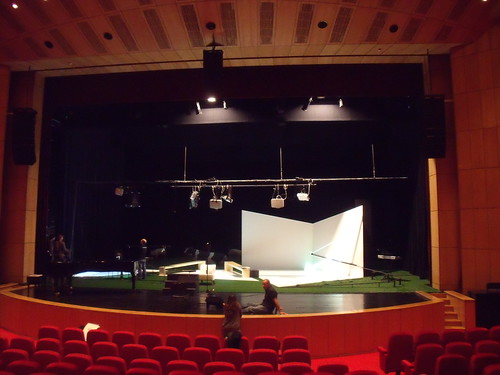
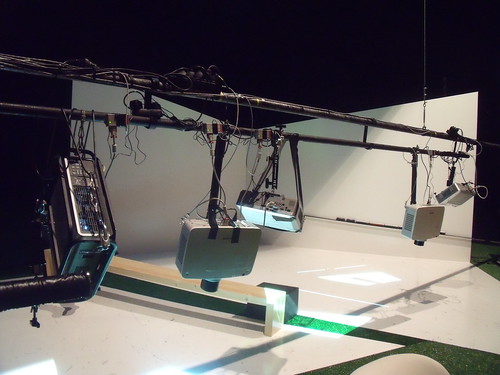
We went to the stage with a full planning of the projection system, 6 projectors to be rigged on a single bar. One Big Thanks to the Culturgest amazing crew, this complex task was accomplished smoothly!!
Paint Me

Paint Me

Paint Me

Some stills of my visual work:

Paint Me

Paint Me

Paint Me

Paint Me

Paint Me

Paint Me

More photos here:
http://lab.guilhermemartins.net/2010/12/18/paint-me-insights/

Repairing a damaged charger

We at Artica are taking this manifesto very seriouslly:

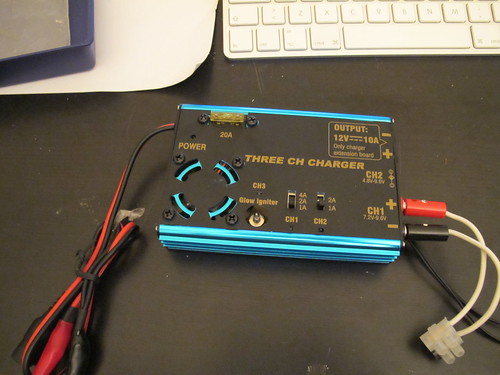
Due to a stupid mistake (inverted power wires), this battery charger (the best that my fingers ever touched) smoked for a second or two:

Repairing a damaged charger

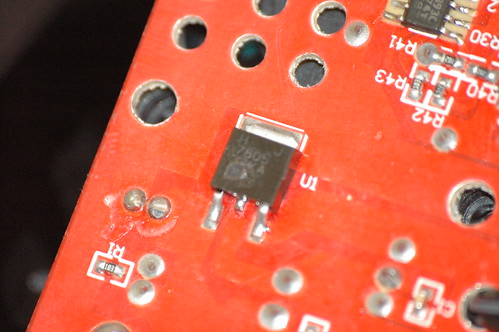
When we opened the case, there was this little SMD with a strange eruption result of an overburn, it was definetely what got burned, and it has written on it 7805 (photo out of focus unfortunately)

Repairing a damaged charger

This IC is very common in the electronics and robotics fields, it is a voltage regulator and in this case it regulates incoming voltage to 5 volts. We got a few 7805’s laying around and decided to take a try repairing this because we need badly to charge Farrusco’s batteries.

Repairing a damaged charger

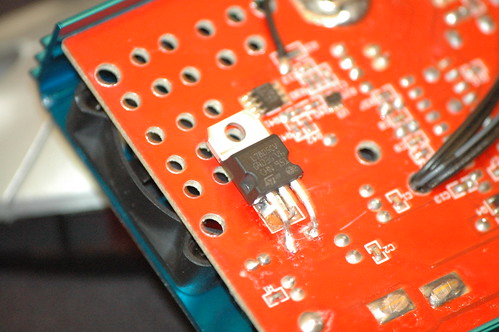
This is the result.

Repairing a damaged charger

Not bad IMO! :)

Repairing a damaged charger

A hole was opened to completely close the case, and it is now ready to roll, I mean charge again.

Artica’s Interactive Slideshow

CCB, Museu Colecção Berardo, Trienal de Arquitectura, Prémios Secil – Interactive SlideShow – 2010 from artica on Vimeo.

Interactive Slideshow created to showcase Secil Prizes. You can see it live @ CCB, Museu Colecção Berardo, Exposição Trienal de Arquitectura.

Inner’s Lair

INNER'S LAIR

Inner’s Lair started with a crazy idea of having an immersive interactive installation that could gather many artistic and computational topics that we at Artica have been disccussing in the last months. So, mostly we wanted to tryout our new conceptual implementation of cool topics as immersive sound, computer vision, interactive robotics, and organic behaviors.

INNER'S LAIR

Meanwhile POP UP Lisboa 2010 came up and I was invited to apply a purposal for an instalation, and I thought that Inner’ Lair could be a great challenge for me and André Almeida, and a great opportunity to promote ARTICA interactive and technological solutions.

So, all the conditions where in place, we have this great idea and a great place to show it. Due to the complexity of the project we assume that it would be shown as a WIP (work in progress). This way we stablished several steps, to setup sound, all the set, computer vision system and robotics.

We will be all the saturdays (except 27th, wich we will be there in 28th) working on-site until the end of Pop Up. After the end of the event we intend to continue this WIP on another place. If you know a place to show this creation we will be glad to know.

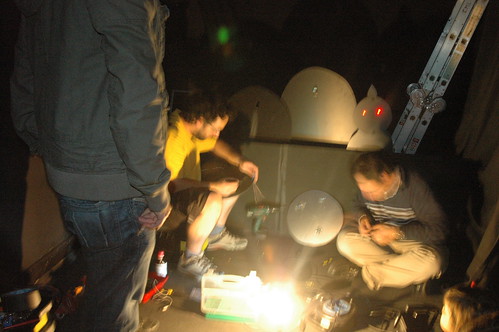
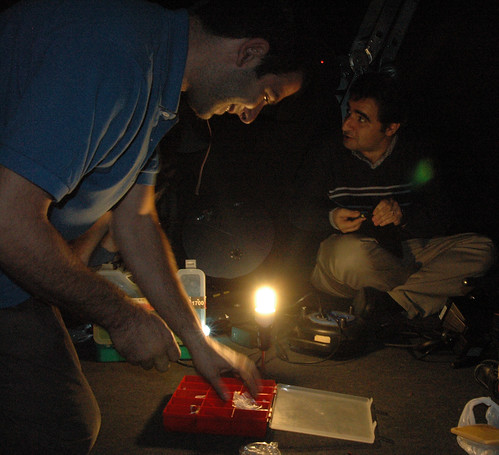
This saturday (13 of November) was really fun, we had a lot of friends passing by willing to give us a hand, lots of visitors asking what we where doing, we had such a good time.

INNER'S LAIR

INNER'S LAIR

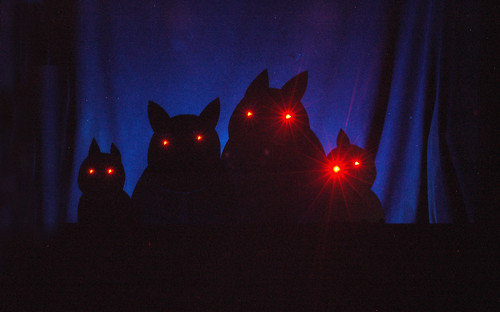
This is the current state of Inner’s Lair, robots still don’t move, but they will ;)

INNER'S LAIR